How it works

How a defect gets into your report.

Every step from the robot on site to the file your inspection program accepts, and who is responsible for each one.

The pipeline

Five stages, one record per defect.

A finding is created once and carried through every stage. Its photo, element, defect type, condition state and reviewer travel with it into the export.

Capture

The robot is chosen by the access. It does the capture while an operator supervises.

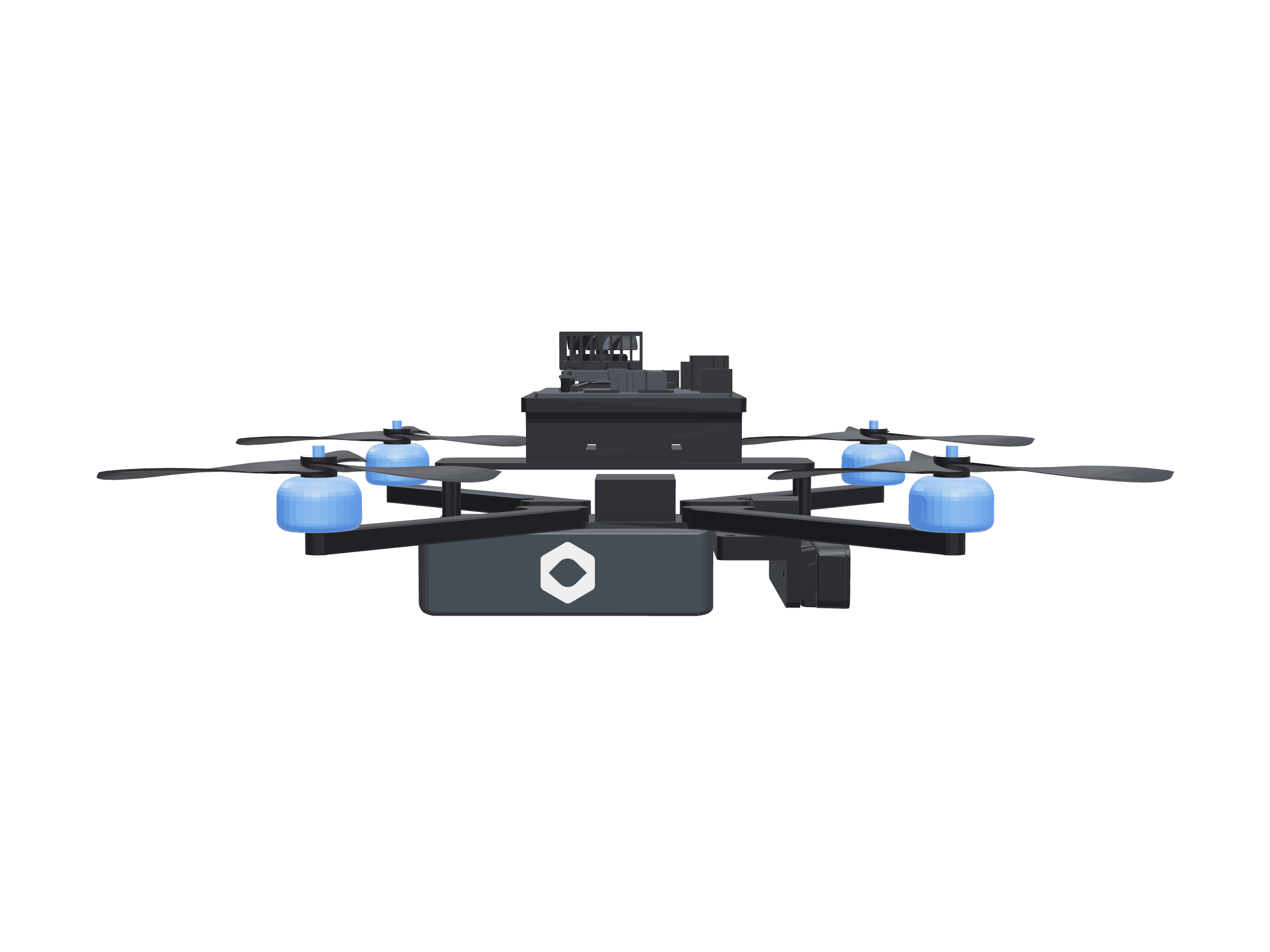
Aegis flies bridge undersides autonomously, Terra travels long culverts and underground pipes on its tether, and Hydra works substructure below the waterline on its own. On every visit an operator is on site supervising the capture.

Site visitCapture log
Aegis
ModeAutonomous, supervised
RobotAegis
Target elementsSpan 2, Pier 2
Photos captured214

Assign

Every photo is filed to the element it shows.

The structure is set up in Omnia as an element list using the FHWA and AASHTO element and defect catalog. Photos are assigned to those elements, so each later finding already knows which girder, cap or column it belongs to.

Element listPhotos
Deck
12Reinforced concrete deck38
Superstructure
109Prestressed concrete girder52
310Elastomeric bearing17
Substructure
234Reinforced concrete pier cap41
205Reinforced concrete column36
215Reinforced concrete abutment30

Suggest

AI-assisted detection drafts findings for a person to check.

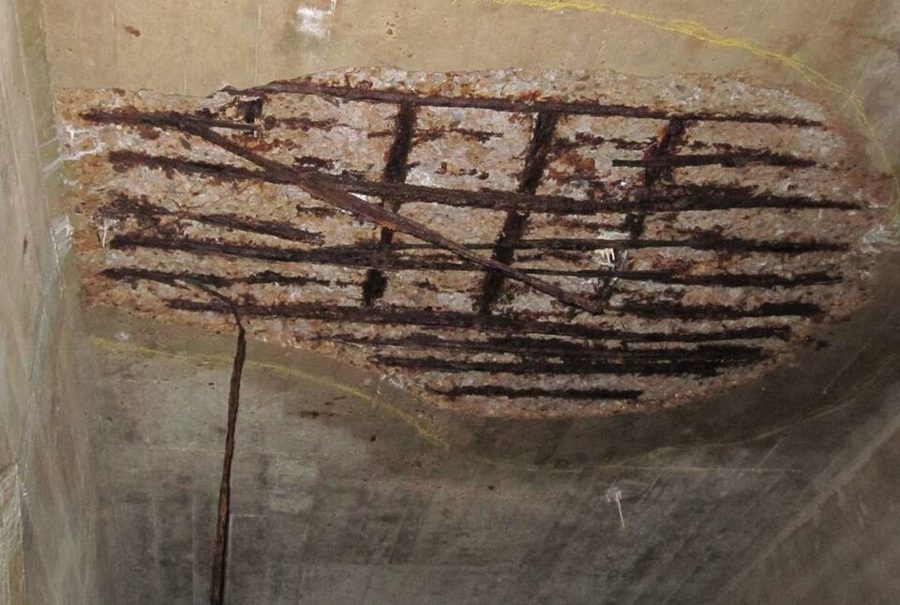
Omnia's detection is tuned for concrete defects such as cracking and spalling. It outlines a suggested area on the photo and proposes a defect type. A suggestion is a draft, and it stays one until a reviewer acts on it.

Deck underside · sample photoSuggested
Underside of a concrete deck with a large spall exposing corroded reinforcing barsSUGGESTED · SPALL

Review

Nothing enters the report until a person approves it.

Every suggested finding goes through a review gate. The reviewer approves it, corrects its outline, type or condition state, or rejects it. Findings a reviewer adds by hand go through the same gate.

Review queueSample findings
Deck undersideExposed rebar with corrosion at spall
Suggested
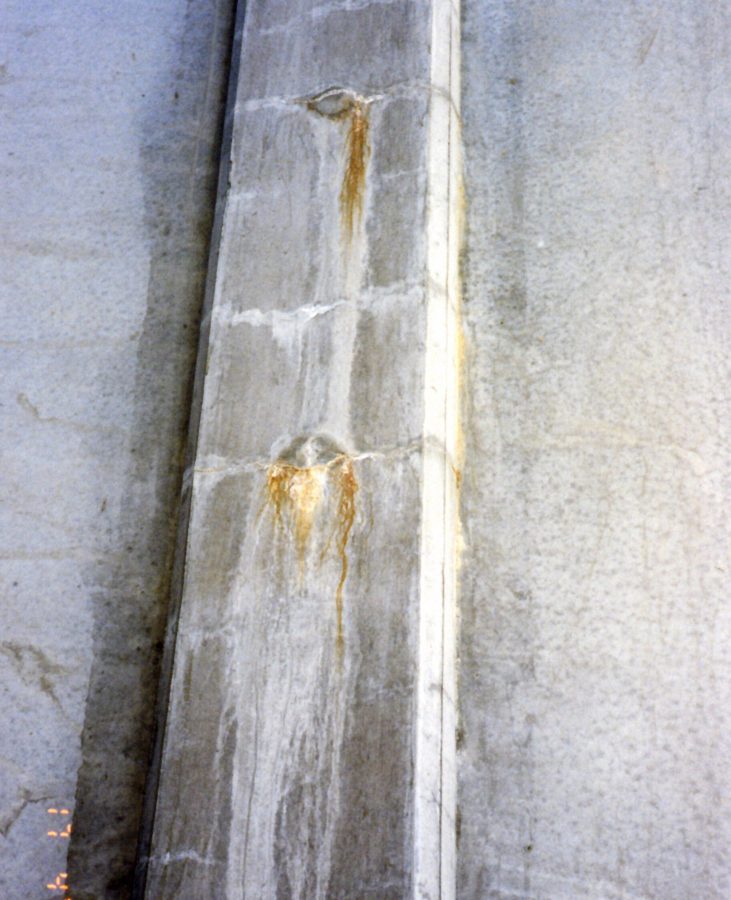
ColumnCrack with efflorescence
Suggested
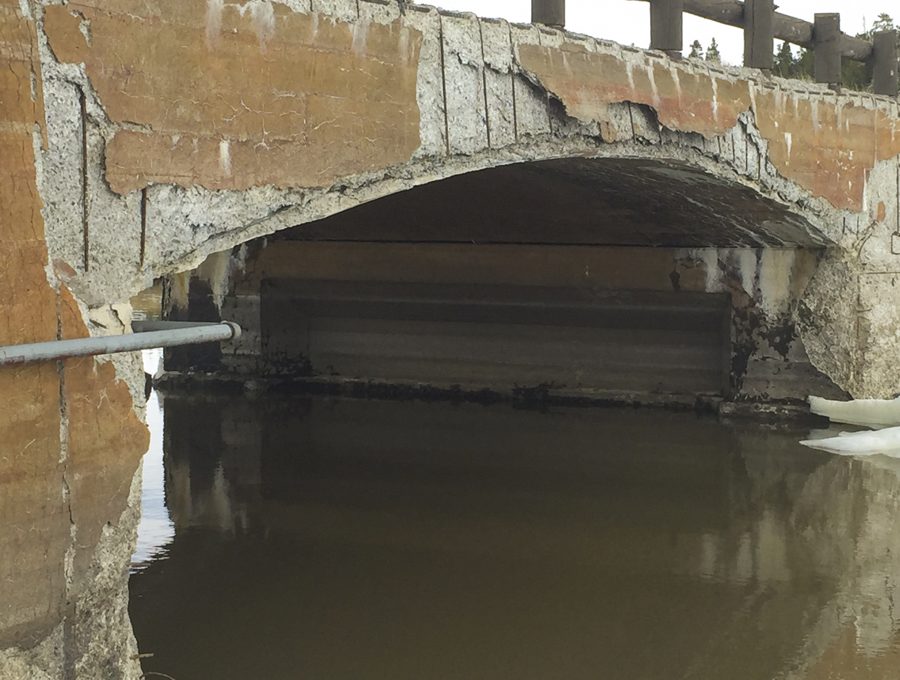
AbutmentSuggested exposed rebar: a pipe, not a defect
Suggested
ColumnEfflorescence with rust staining at crack
Suggested
Reviewer recorded on each finding. The inspector of record sets the final condition state.0 of 4 reviewed

Export

The report and the data leave in the formats your program takes.

Approved findings assemble into the defect report, arranged element by element. The same records export as structured data, and output can be formatted for entry into state inspection systems.

ExportsSample report
PDFDefect report, element by element, with photosReport
NBIS XMLElement condition data for NBIS reportingData
SNBI JSONStructured records aligned to SNBIData
IFC 4x3Findings for BIM and asset systemsModel

Responsibility

Where our work ends and the inspector's begins.

We are responsible for getting to the element and organizing what it shows. The inspector of record keeps the judgment, the hands-on work where the inspection calls for it, and the signature.

TaskAytherInspector of record
Site access and robot operation, with an operator present
Photo capture of the elements in the scope
Filing photos to elements and drafting findings
Approving each finding before it enters the report
Final condition state ratings
Hands-on inspection where the program requires it
Engineering judgment, follow-up actions and sign-off
ResponsibleProposes or reviewsIf your firm uses Omnia with its own photos, your reviewer approves the findings.

Standards and data

What a finding is recorded against.

A submission can pass every format check and still miss what was in the field. Omnia keeps each finding tied to the photo it came from, so a reviewer can check the source as well as the file.

Element and defect catalog
Findings are recorded against the FHWA and AASHTO element and defect catalog, each with a condition state from CS1 to CS4.
Location on the structure
A finding carries its element, the photo it was marked on and its outline on that photo, so it can be found again on the next visit.
Detection
AI-assisted and tuned for concrete. It proposes findings and never approves them.
Exports
PDF report, NBIS XML, SNBI JSON and IFC 4x3. Output can be formatted for state inspection system entry.
SNBI transition
The first SNBI-based bridge data submittals were due in March 2026, and the first complete SNBI dataset is due in March 2028.1 Omnia exports SNBI JSON alongside NBIS XML.
Data ownership
Your data stays yours, exportable anytime in standard formats.

Questions

What engineers ask us.

How is a finding tied to a location on the structure?

Each photo is assigned to an element in the structure's element list. The finding is outlined on that photo and carries the element, defect type and condition state, so the report and the data export both point to the same place on the structure.

What exactly does the AI do?

It suggests. Omnia's detection proposes outlines and defect types on photos of concrete elements. A person approves, corrects or rejects every suggestion, and only approved findings reach the report.

Who signs the inspection?

The inspector of record. The Omnia report organizes the evidence and the reviewed findings; the rating decisions and the signature stay with your engineer.

Can we use Omnia with photos from our own drone?

Yes. Upload your photos, assign them to elements and review the suggested findings with your own reviewer. When a job has a hard part, such as a soffit over water or a culvert nobody wants to crawl, hand it to us.

What do we receive at the end of a job?

The defect report as a PDF, the structured data in NBIS XML, SNBI JSON and IFC 4x3, and the photos, each filed to its element.

Where does our data go, and can we take it with us?

Your data stays yours, exportable anytime in standard formats. You are never locked into Omnia to get your findings back.